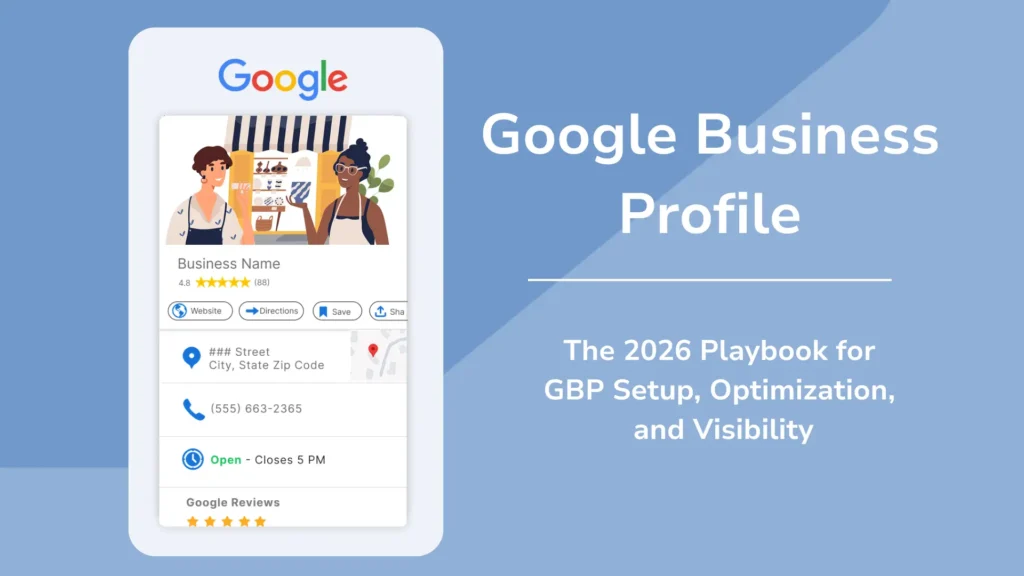
Nearly half of all Google searches now carry local intent, and a Google Business Profile listing usually shows up before your website does. If your profile is half-filled or hasn’t been touched in months, you’re handing customers to competitors who bothered to update theirs. This guide walks through what actually moves the needle for Google Business Profile optimization in 2026.
Why Your Google Business Profile Matters More Than Ever
Google ranks local results using three factors: relevance, distance, and prominence. In practice, that means Google is checking whether your categories and services match what someone searched for, how close you are to that person, and whether your profile shows real signs of activity, reviews, photos, posts, and responses to customer questions.
How to Optimize Your Google Business Profile in 2026
Profiles that are fully filled out and verified reportedly get four times more website visits and 12% more calls than sparse ones, according to marketing platform Birds Eye. Listings with over 100 photos also tend to pull in far more calls than the average business page. The pattern is consistent across most of the data: businesses that keep their profile current get more clicks, more calls, and more foot traffic, without paying for ads.
1. Claim and Verify Your Profile
Before anything else, search your business name and city on Google to see what already exists. If a profile shows up unclaimed, claim it. If nothing shows up, create one from scratch through Google Business Profile Manager. Verification is usually done by postcard, phone, or email, depending on your business type. Skip this step and none of the rest matters, since Google won’t fully trust or rank an unverified listing.
2. Get Your Business Name and Categories Right
Use the exact same business name across your website, signage, and every directory listing. Inconsistent naming, addresses, or phone numbers across the web is one of the more common reasons profiles underperform. Pick a primary category that matches your core service as closely as possible, then add secondary categories for anything else you offer. A plumber who also does drain cleaning should have both listed, not just the broader “plumber” category.
3. Write a Real Business Description
Google gives you 750 characters for your business description, though only the first 250 or so show without a click. Use that space to say plainly what you do, where you do it, and what sets you apart, rather than stuffing it with keywords. A description that reads like a person wrote it tends to hold up better than one built for search engines alone.
4. Fill In Every Available Field
Hours, service areas, website URL, appointment links, and attributes (wheelchair accessible, women-owned, and so on) all factor into how complete Google considers your profile, and completeness is tied directly to visibility. If you serve customers at their location rather than a storefront, define your service area precisely instead of leaving it vague.
5. Upload Photos Regularly
Google’s systems now analyze photos to understand what a business actually offers, so images matter beyond just looking nice. Add real photos of your storefront, team, and work, and keep adding new ones on a weekly basis if you can manage it. A profile with a stale set of five photos from three years ago reads as inactive, even if the business is running fine.
6. Build a Real Review Pipeline
Reviews are one of the strongest local ranking signals there is. A business with 200 reviews at 4.7 stars will typically beat a competitor with 30 reviews at a perfect 5.0, simply because volume and recency both count. Ask for reviews right after a job is completed or a purchase is made, when satisfaction is highest, and send a direct link so customers don’t have to search for your listing themselves.
Respond to every review, good or bad. Thank positive reviewers by name where it makes sense, and address specific complaints in negative reviews rather than replying with a generic apology. Google’s systems now summarize reviews for searchers, so how you respond to a complaint about, say, wait times can actually shape what that AI summary says about your business.
7. Post and Answer Questions Weekly
Google Business Profile posts don’t need to be polished. A quick update about a promotion, a new product, or a seasonal note is enough, as long as you’re posting consistently. The same goes for the Q&A section: monitor it and answer questions yourself instead of waiting for another customer to do it, since unanswered or badly answered questions sit on your profile for anyone to see.
8. Check Your Numbers Every Quarter
Google Business Profile includes performance data on calls, direction requests, and website clicks. Set aside time each quarter to review it, compare it against your last check-in, and fix whatever’s slipping, whether that’s stale photos, a category that no longer fits, or reviews going unanswered.
The Bottom Line
Google Business Profile optimization in 2026 isn’t a one-time setup job. The businesses that show up at the top of local search are the ones treating their profile as a living part of their marketing, not a form they filled out once and forgot. Get the basics right first: consistent name and contact details, accurate categories, and a verified listing. Then build the habits that keep it active: fresh photos, a steady flow of reviews, weekly posts, and quick responses to questions and complaints. That combination is what Google rewards, and it’s what turns a Google Business Profile into an actual source of customers rather than a static listing nobody checks.